
Office Automation
Build essential computer and workplace productivity skills for everyday professional work.
Program Overview
The Office Automation program is meticulously designed to transform beginners into efficient, computer-literate professionals. Students gain mastery over operating systems, file organization, professional typing, and core office suite software required in modern workplaces.
What You Will Learn & Build
- Master Windows operating system and folder management
- Create professional formatted documents and letters in MS Word
- Analyze data, formulas, and create charts in MS Excel
- Design captivating presentations in MS PowerPoint
- Efficient email communication and workplace digital etiquette
Prerequisites
Basic reading and writing ability. No prior programming or computer background needed.
Course Curriculum & Syllabus
6 Practical ModulesModule 1: Computer Fundamentals & OS
Understanding hardware, Windows OS, file navigation, keyboard shortcuts, and internet basics.
Module 2: File Management & Security
Folder structures, backups, cloud storage (Google Drive/OneDrive), and password protection.
Module 3: Microsoft Word Professional Mastery
Document design, tables, mail merge, headers/footers, business reports, and PDF export.
Module 4: Microsoft Excel Data & Functions
Spreadsheet fundamentals, arithmetic formulas, VLOOKUP, SUMIFS, Pivot Tables, and financial charts.
Module 5: Microsoft PowerPoint & Presentations
Slide design principles, transitions, animations, embedded media, and executive pitch decks.
Module 6: Workplace Digital Skills & Projects
Email drafting, scanning/printing, digital signatures, and a comprehensive end-of-course capstone portfolio.
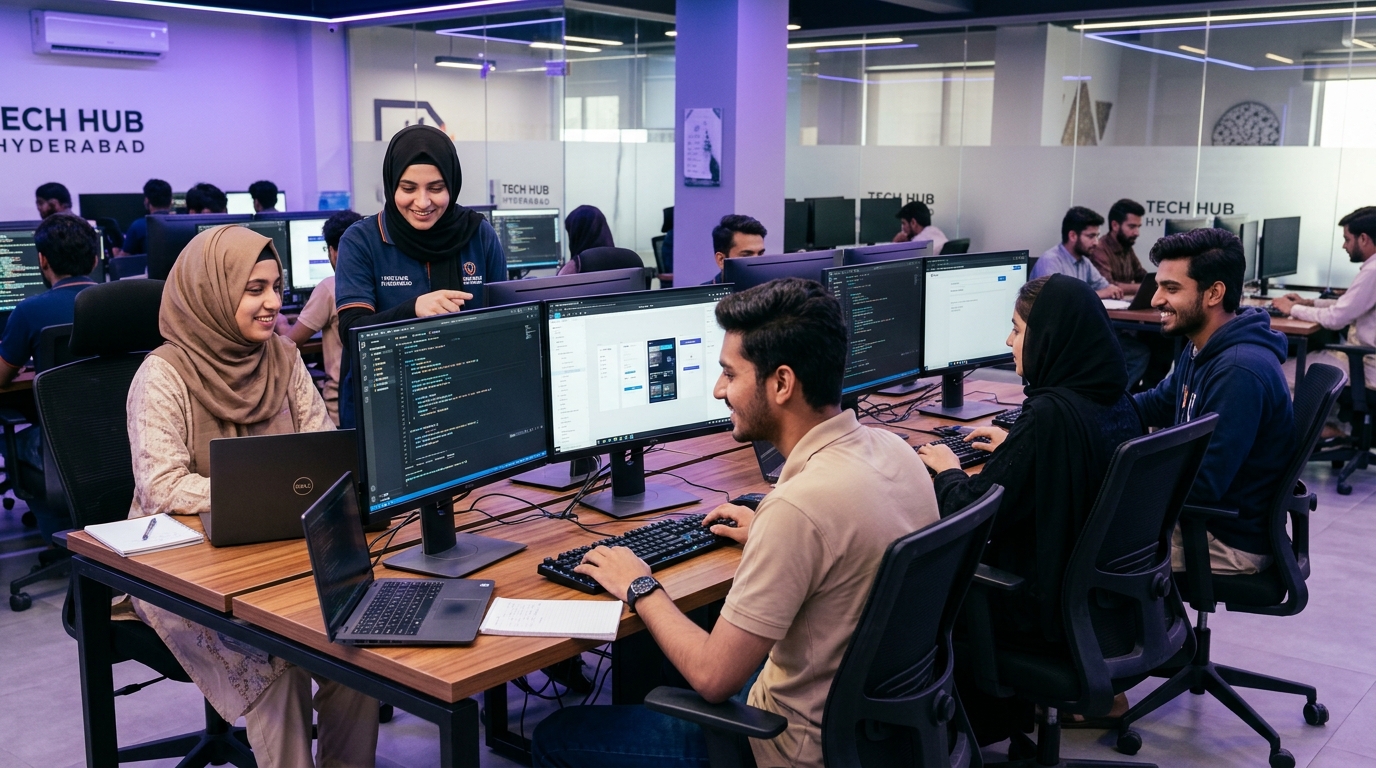
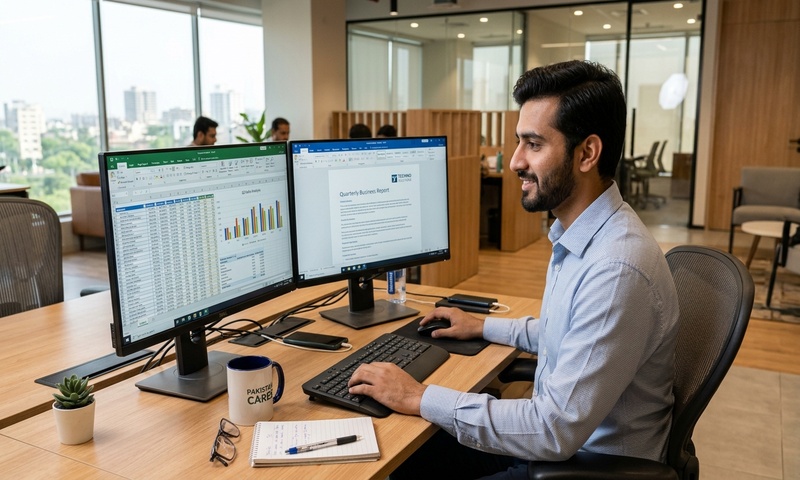
Hands-On Lab Workstations in Hyderabad
This course is delivered through 100% practical computer lab exercises at our Qasimabad campus with dedicated dual-display PC setups and direct faculty mentorship.
This course is part of the iHUNAR Youth Talent Program. You can qualify for 25% to 100% fee reduction based on your aptitude score!